While most WWDC coverage focuses on end-user features, this recap is for the IT admins and technical leads who need to understand what’s changing in Apple device management.
From Apple School and Business Manager to identity, app management, and device workflows, Apple has made significant updates that you’ll want to start preparing for now. Here’s what stood out at WWDC 2025 with Compnow’s Damian Cavanagh:
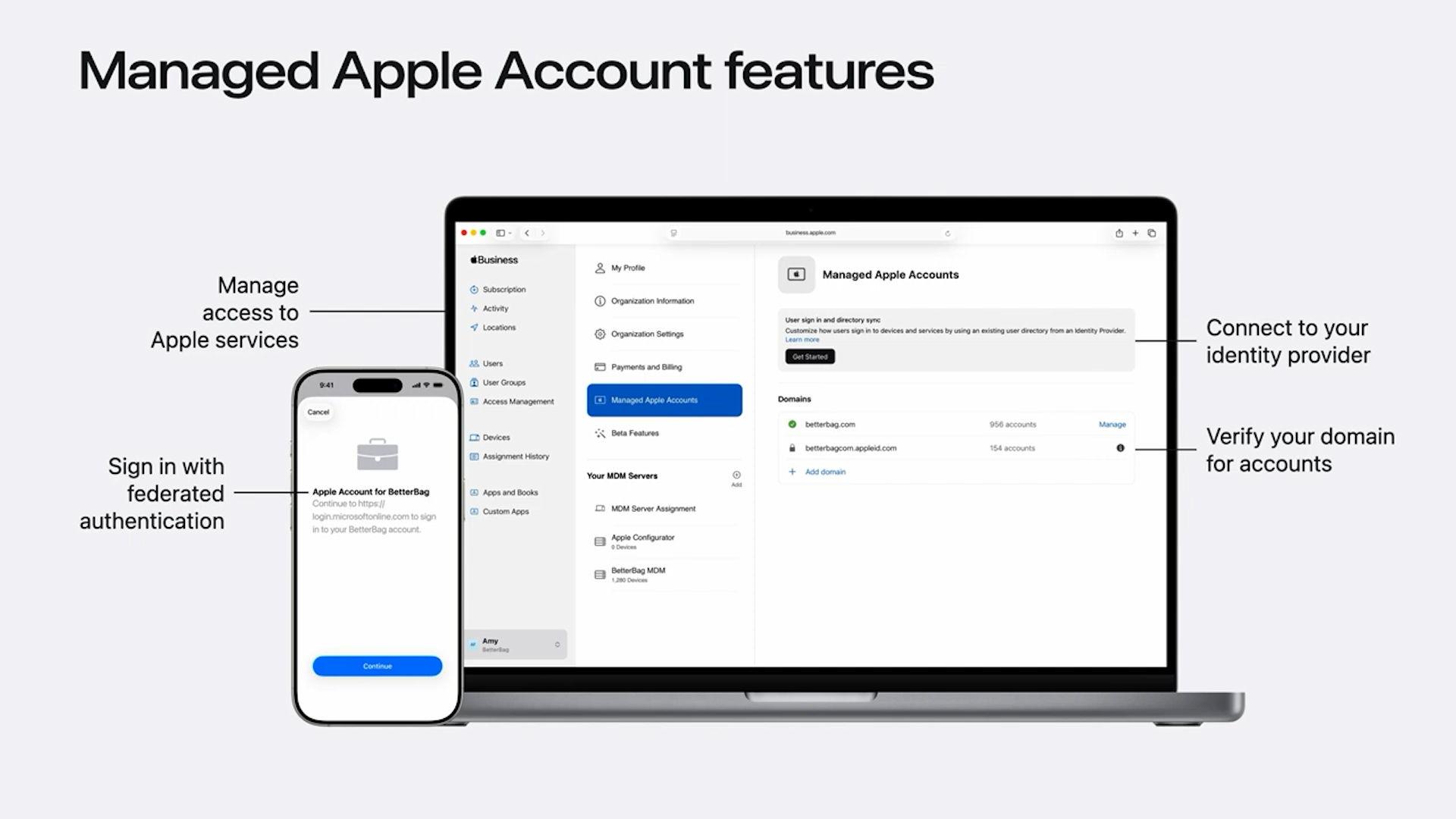
Domain Capture and Unmanaged Apple ID Visibility
Building on last year’s Domain Capture update, Apple School and Business Manager will soon identify unmanaged Apple IDs on your verified domains. This allows IT to contact users and guide them toward using Managed Apple IDs, especially useful as more organisations draw a line between personal and corporate usage.
Restrict Sign-In to Managed Apple IDs
A new option allows you to restrict device sign-in exclusively to Managed Apple IDs, independently of MDM. Use this with caution. It’s a global setting, and Managed Apple IDs still have some feature limitations compared to personal accounts.
Device Management Migration (No Factory Reset Required)
You can now migrate device management directly from ASM or ABM without resetting the device, and apps can be preserved during the process. However, some components such as agent software installed by certain MDMs may not be removed automatically. If you’re migrating from platforms like Intune, manual cleanup may still be needed.
Account-Driven Enrolments Simplified
Previously hindered by the need to host service discovery payloads, account-driven enrolments can now fall back to your MDM for discovery. This simplifies implementation and opens the door to wider use.
API and Automation Updates
Apple has introduced APIs for managing device assignments, MDM servers, and release workflows in AxM. These are described as the initial set of endpoints, indicating that further expansion is likely.
Setting up the API account is straightforward, but token generation is more complex. Apple provides a Python script in its documentation, and Bart Reardon has published a Bash script and guide on GitHub to assist.
Expanded Device Information
Additional device metadata is coming to AxM, including:
MAC addresses for Wi-Fi and Bluetooth (later this year)
Warranty information
This will help eliminate the need for homegrown GSX workarounds and streamline fleet reporting and support.
Granular role management and support for Managed Apple ID access to Developer Services are also being introduced.
Identity and Access
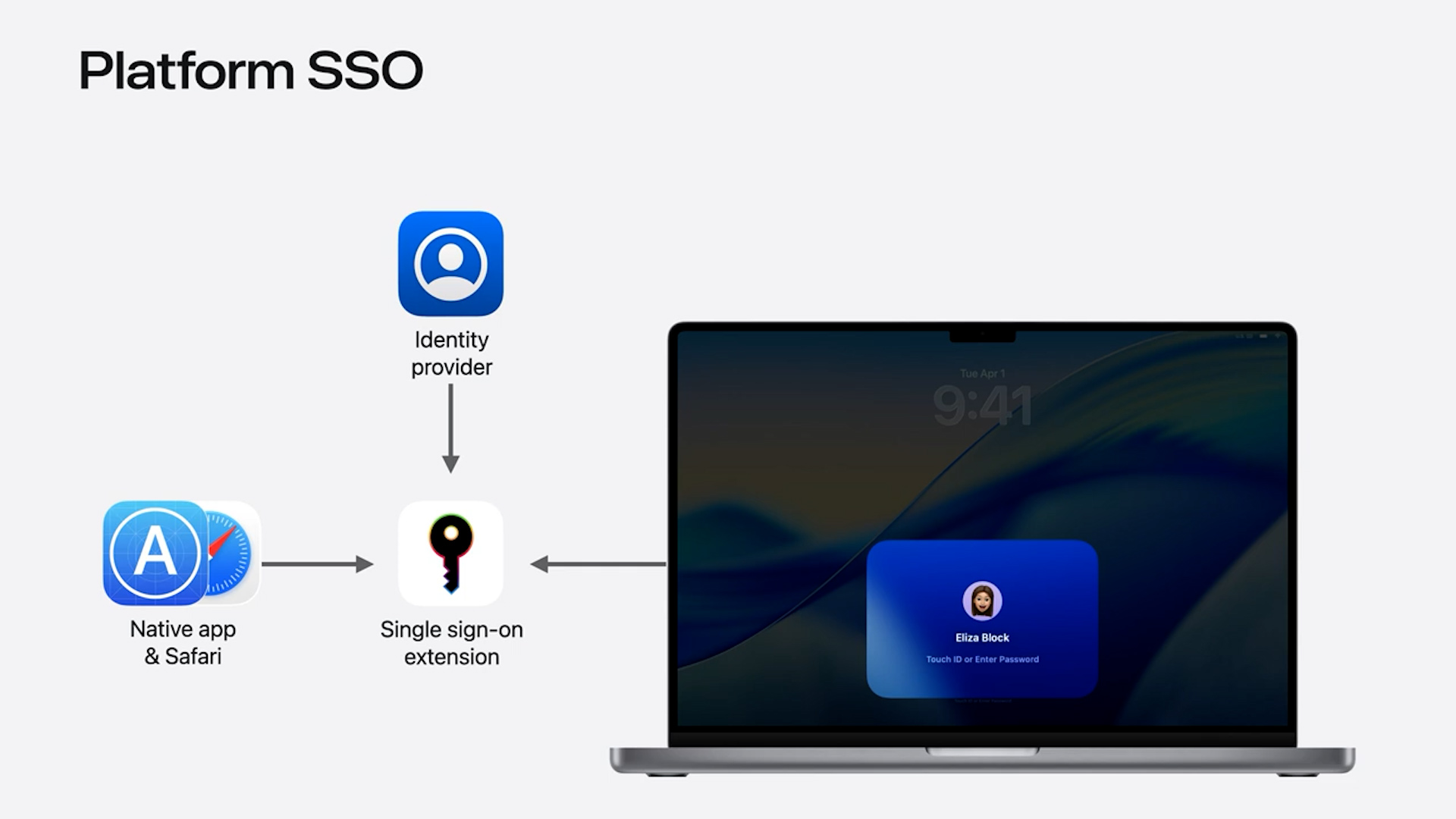
Platform SSO in Setup Assistant
Platform SSO now appears before account creation in Setup Assistant. This allows devices to enforce identity-based access from the outset, including syncing user profile photos from the identity provider, which improves user experience.
Support from MDM and identity vendors remains inconsistent, so expect ongoing integration work as this capability matures.
Authenticated Guest Mode
For shared environments including higher education labs and hot desk deployments, Authenticated Guest Mode allows guest login via SSO with all user data removed on logout.
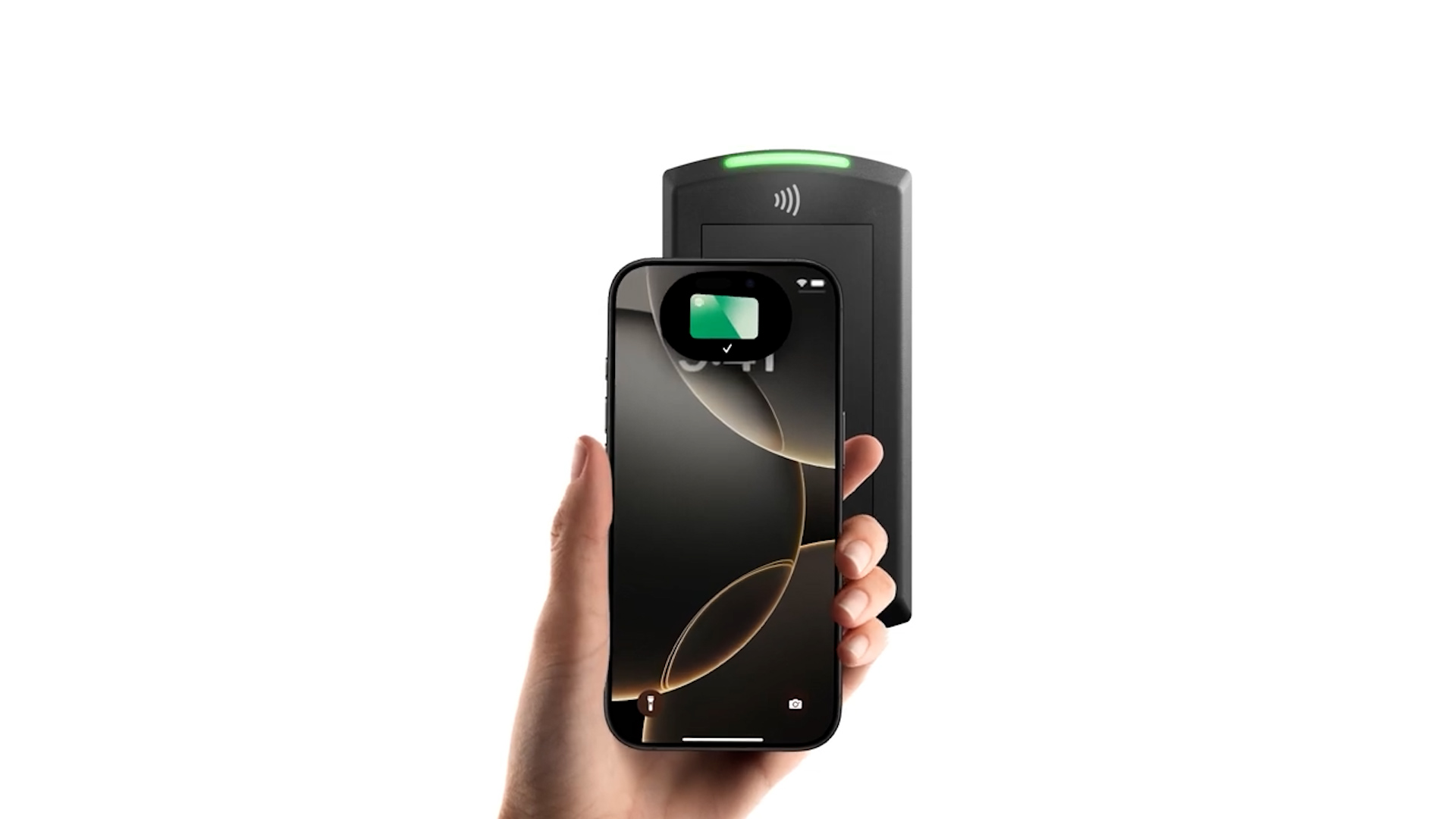
This integrates well with a new feature, Tap to Log In. Users can authenticate by tapping their iPhone or Apple Watch containing a secure Access Key in Apple Wallet on a compatible NFC reader.
SSO App Deployment via EnrollmentSSO
iOS and iPadOS now support automatic download of required authentication apps during enrolment, further securing SSO environments.
Kerberos SSO Deprecation
Kerberos SSO remains supported but is now officially deprecated. Begin transitioning away from it immediately.
App Management Moves to Declarative
Apple continues its transition to declarative management for apps across all platforms.
iOS and iPadOS
Pin apps to specific versions
Enforce update behaviour, for example block updates over cellular
Securely deploy configuration data such as passwords, certificates, and access tokens
Support for device attestation and hardware-bound identity
macOS
Declarative app deployment of App Store apps, custom apps, and .pkg installers
Optional and required install options
Version pinning is particularly valuable for education customers who want to prevent app updates mid-term or during assessments.
Device Management Enhancements
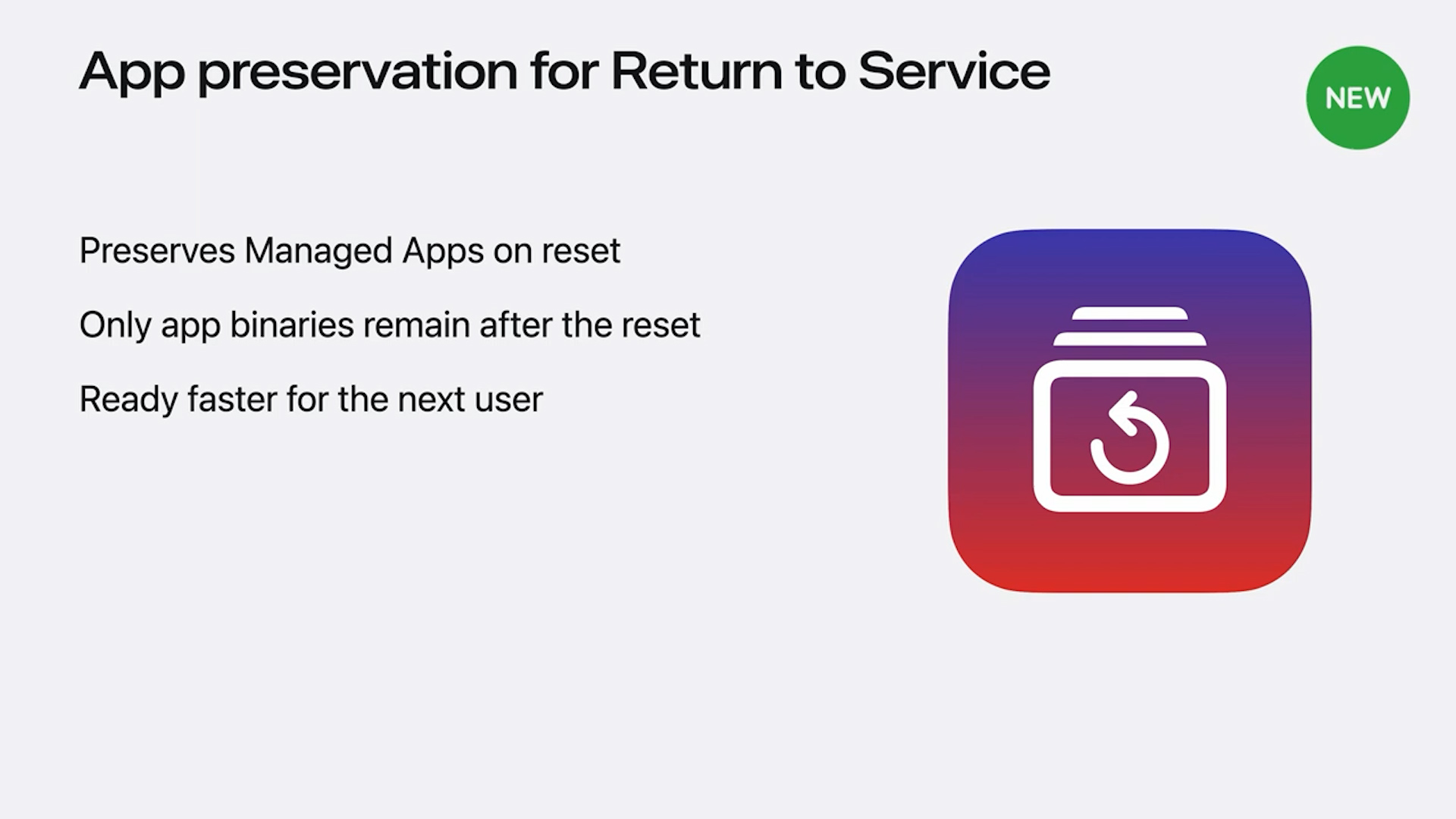
Return to Service Improvements
Devices using Return to Service will now retain installed apps and only wipe user data, significantly reducing the time to redeploy a device for reuse. This now also applies to Apple Vision Pro.
File Provider Extensions
IT can now specify which File Provider should handle syncing of Desktop and Documents folders, enabling native support for workflows similar to Microsoft’s OneDrive Known Folder Move.
Auto-Reboot on Idle
For iOS and iPadOS, devices can now reboot automatically after a configurable idle period. This resets the device to a secure state known as Before First Unlock. Admins using charging carts should test to avoid unintended Wi-Fi dropouts.
Software Update Management
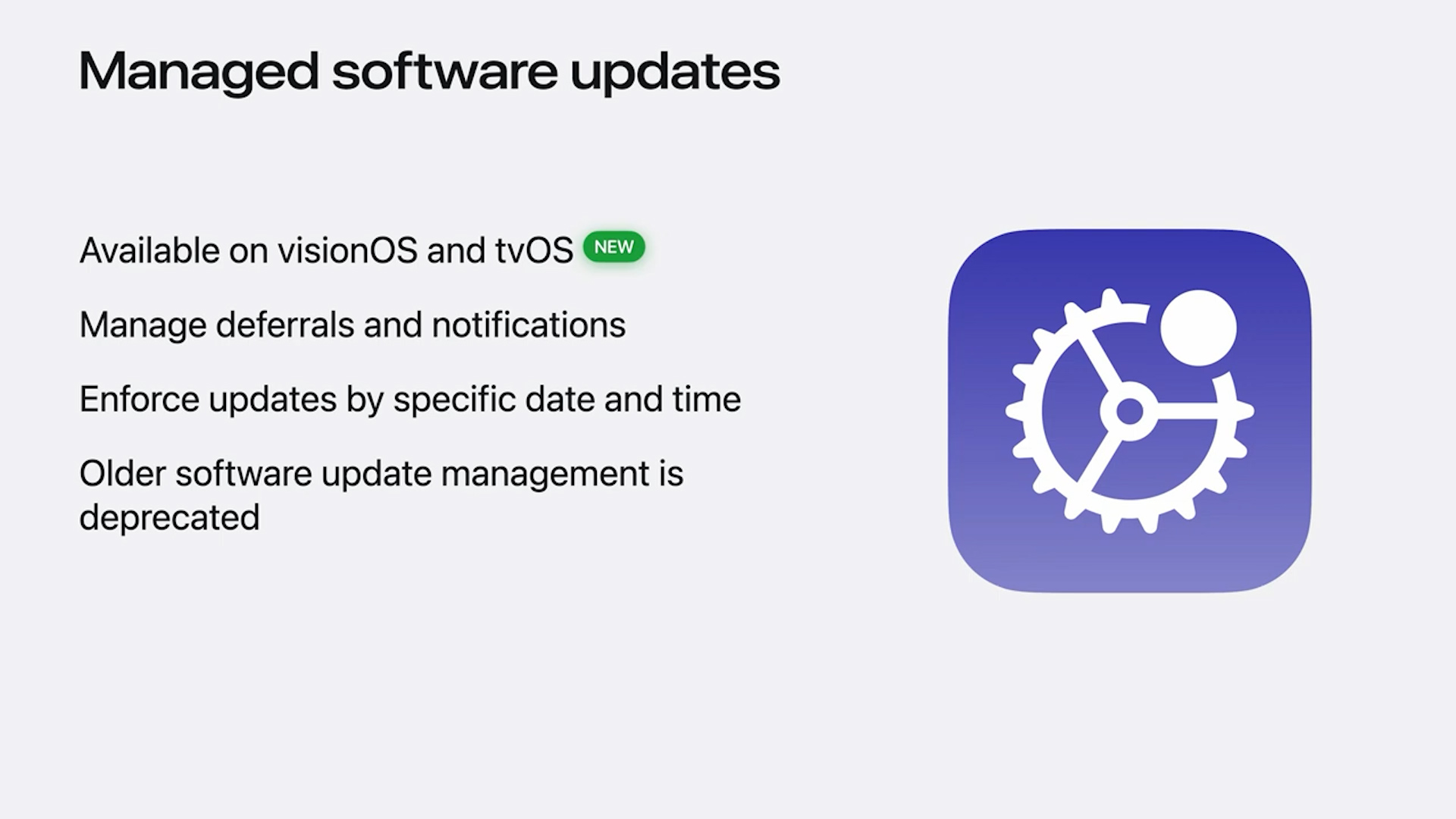
Declarative software update management now supports all platforms including tvOS and visionOS.
Legacy MDM-based update workflows are deprecated and will be removed in 2026. Begin transitioning now to avoid disruption.
New management capabilities for Safari include start page settings, bookmarks, cookie handling, and popup management.
Updates for Apple Vision Pro
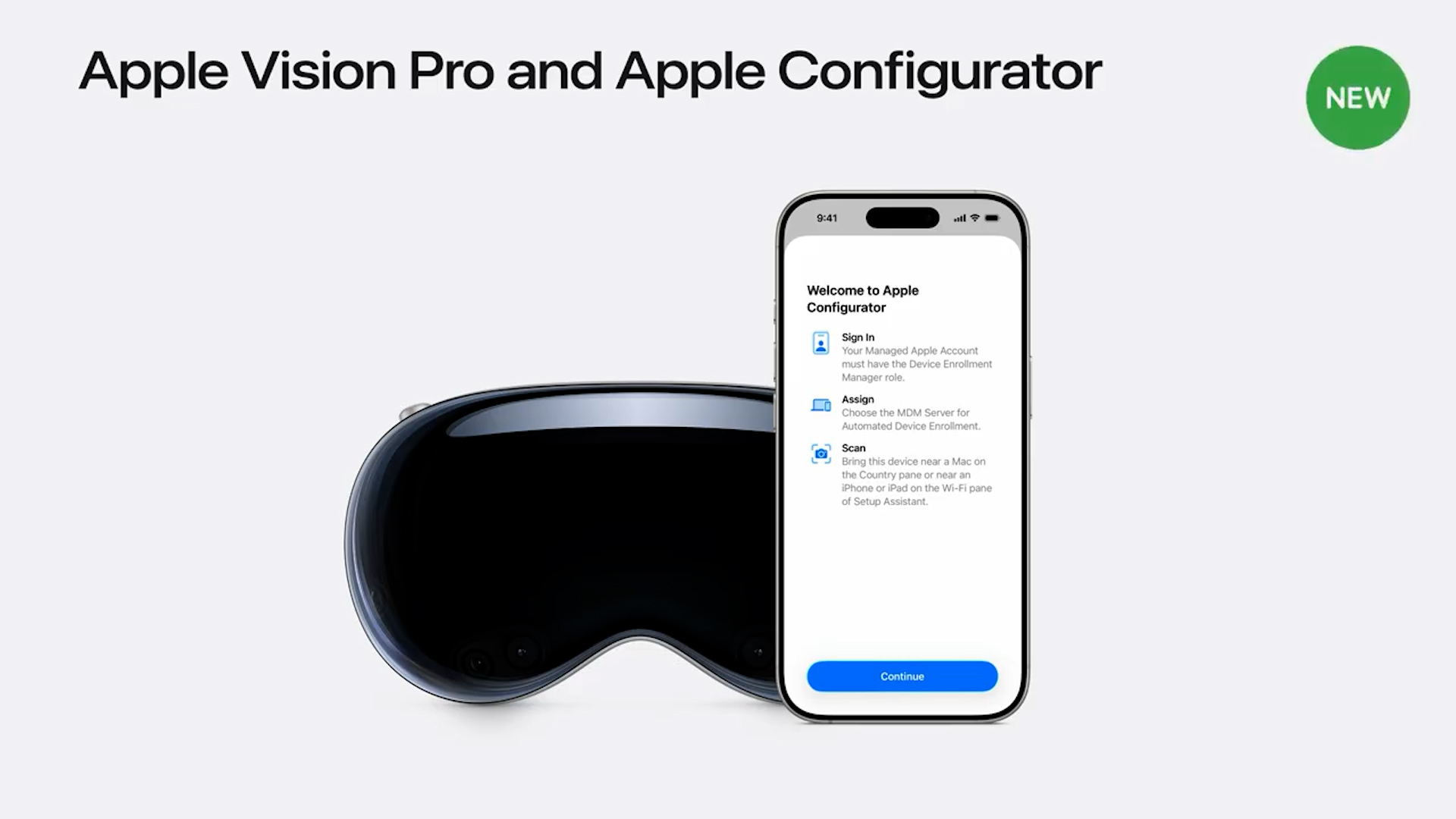
ADE Support via Configurator
Devices can now be added to Automated Device Enrolment using Apple Configurator on an iPhone. This is especially useful for organisations that purchased Apple Vision Pro devices outside procurement channels.
You can also skip Setup Assistant panes and initiate Return to Service directly from the Control Centre or lock screen.
Quick Start for Personal Setup
Users with personal Apple IDs can import their Apple Vision Pro setup data from iCloud or their iPhone, streamlining first-time use.
visionOS now supports Apple Intelligence restrictions and management controls equivalent to other platforms.
What You Should Do Now
Begin Testing Immediately
Beta 1 feedback is the most likely to be actioned. Don’t wait.
Engage with Your Vendors
MDM, identity, and security providers should already be adapting. If they are not ready or dismiss changes as “Apple’s problem,” that’s a red flag.
Prepare for Deprecations
MDM-based software updates will be removed in 2026
Kerberos SSO will be deprecated in a future release
Update your workflows as soon as possible. Apple may not provide further notice.
The Compnow Apple team is ready to help you navigate these changes. Whether it’s evaluating your identity platform, preparing for declarative app management, or migrating your device fleet without downtime, we’re here to support your environment.