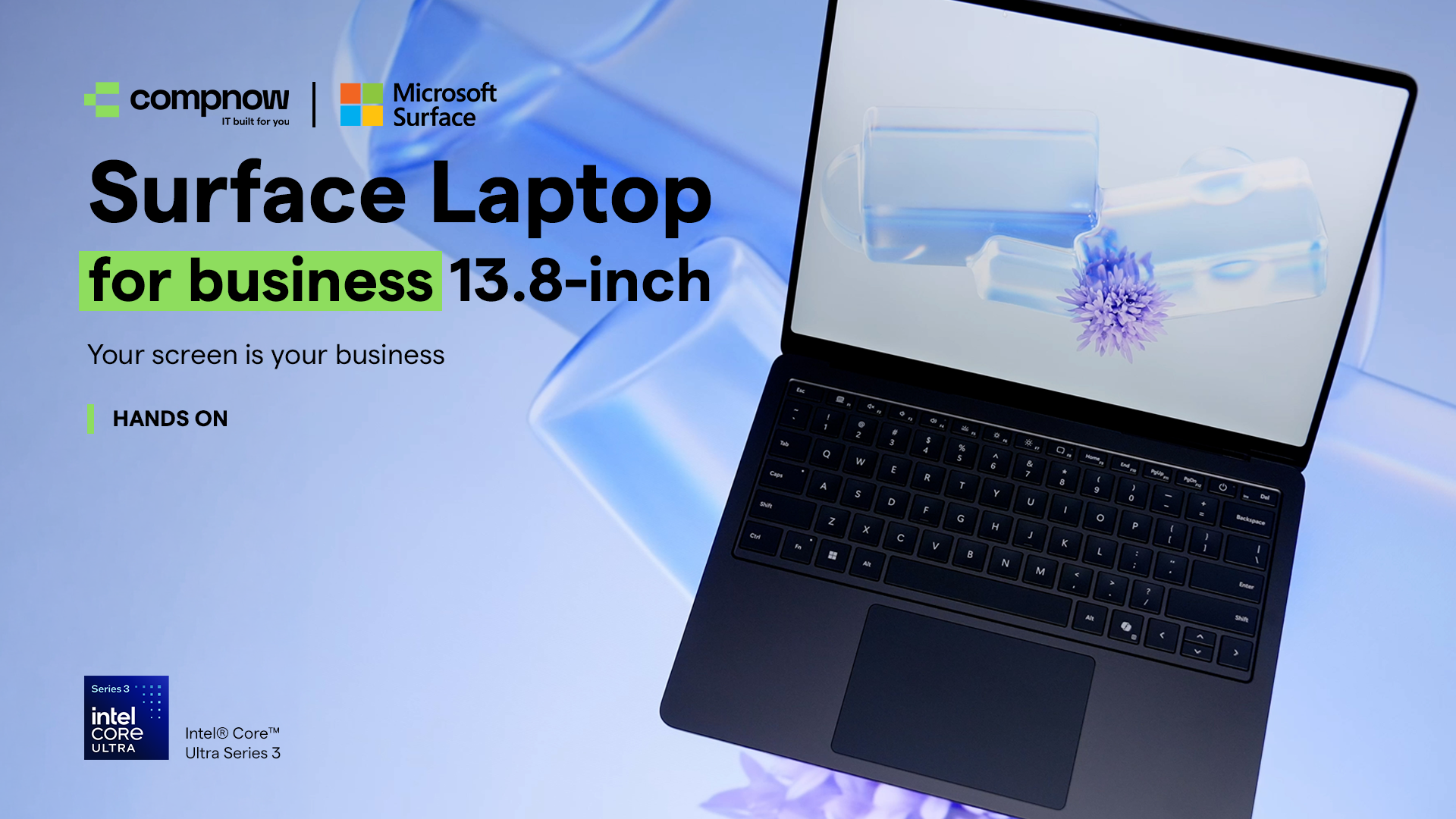
Work Anywhere. Show Nothing. Inside the Surface Laptop for Business 13.8-inch
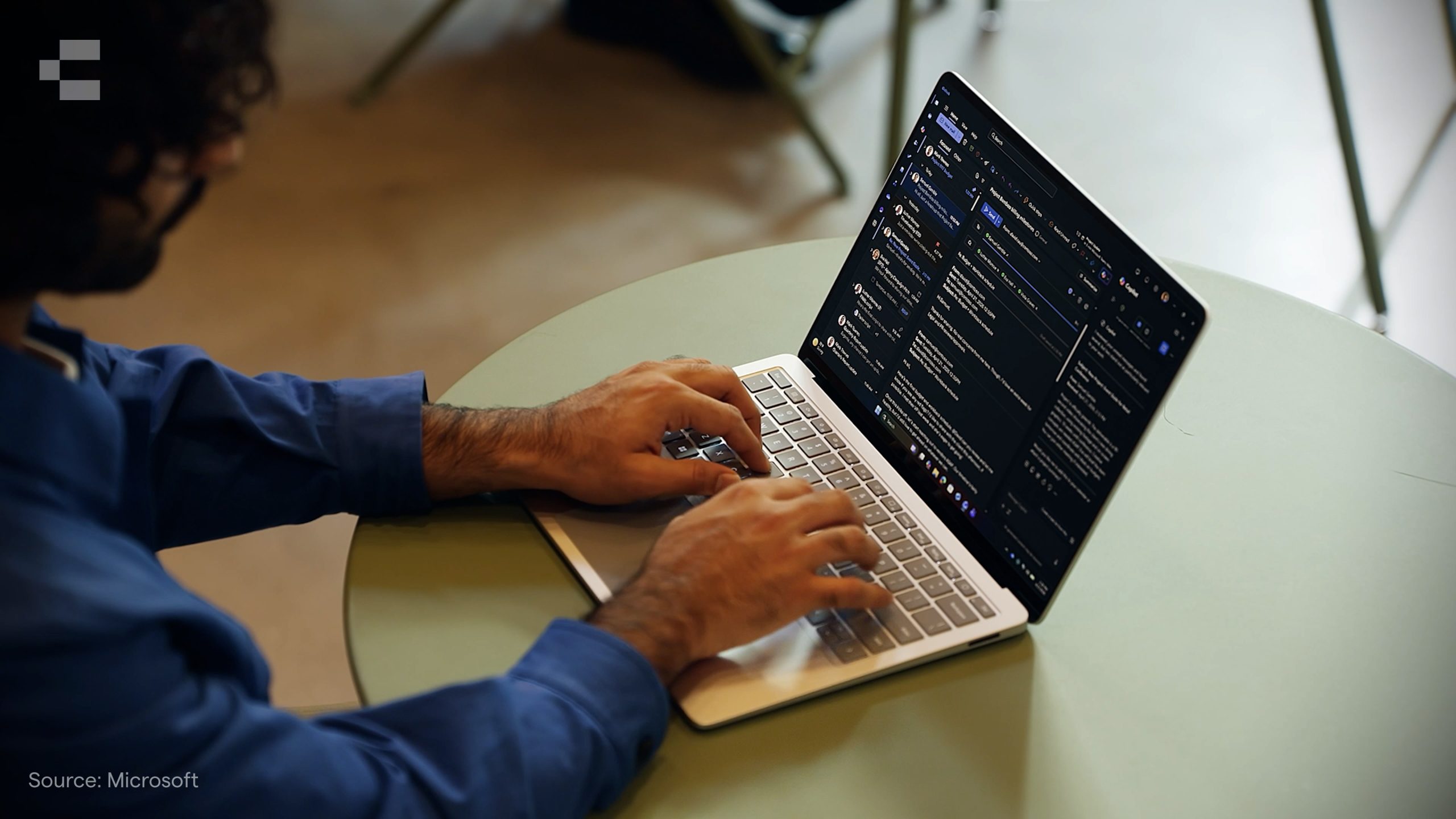
Open-plan offices, shared hot desks, client sites, airport lounges. For corporate workers, the location of work has expanded well beyond the desk. But as mobility has increased, so has a risk that doesn’t always make it onto the IT security checklist: visual data exposure.
Shoulder-surfing is low-tech, hard to enforce against, and more common than most organisations account for. A screen visible from a side angle in a cafe or co-working space can expose sensitive documents, client data, or internal communications without a single firewall being breached.
The Surface Laptop for Business 13.8-inch addresses this directly, and in a way that doesn’t require users to carry extra accessories or remember an extra step.
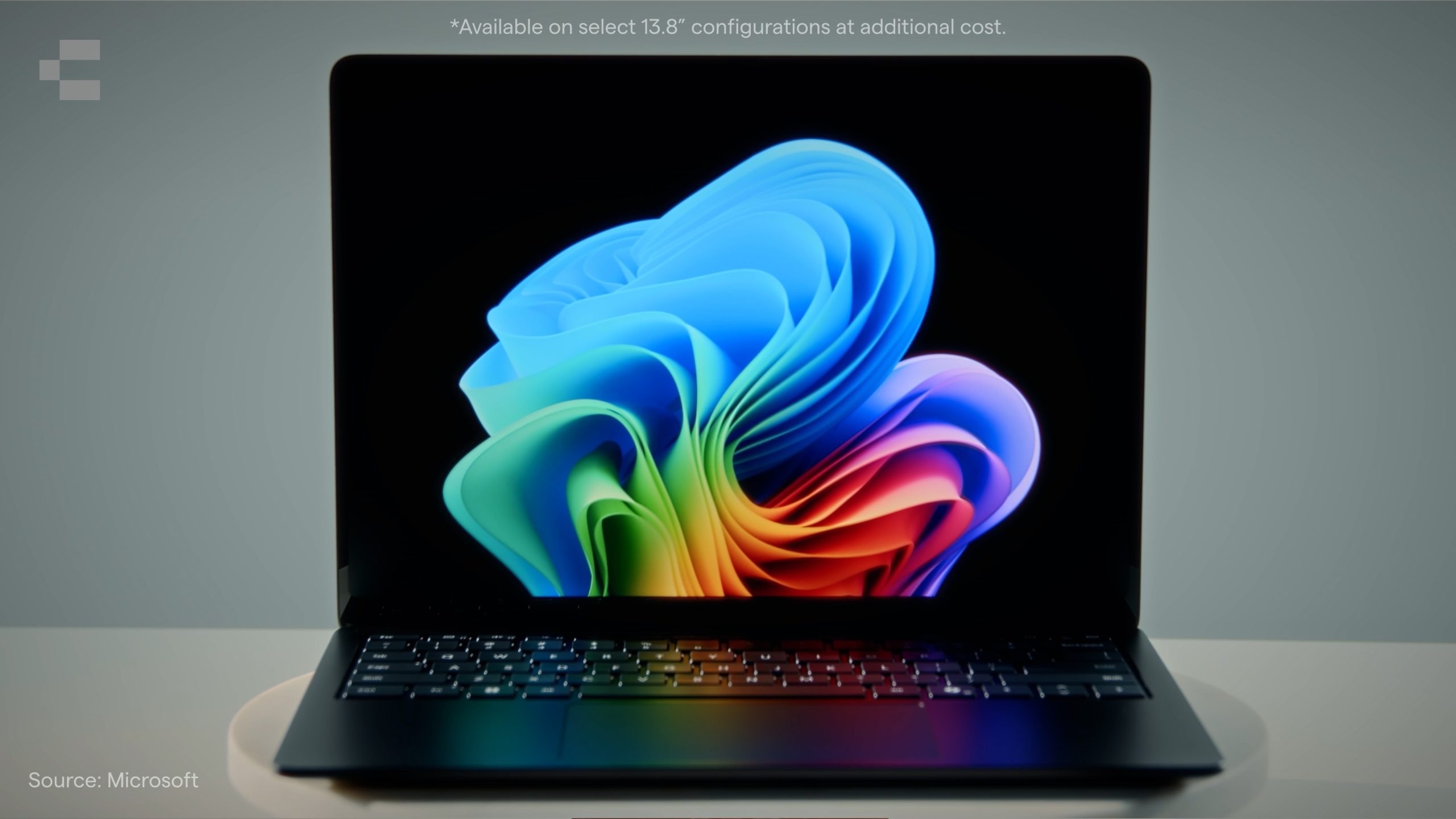
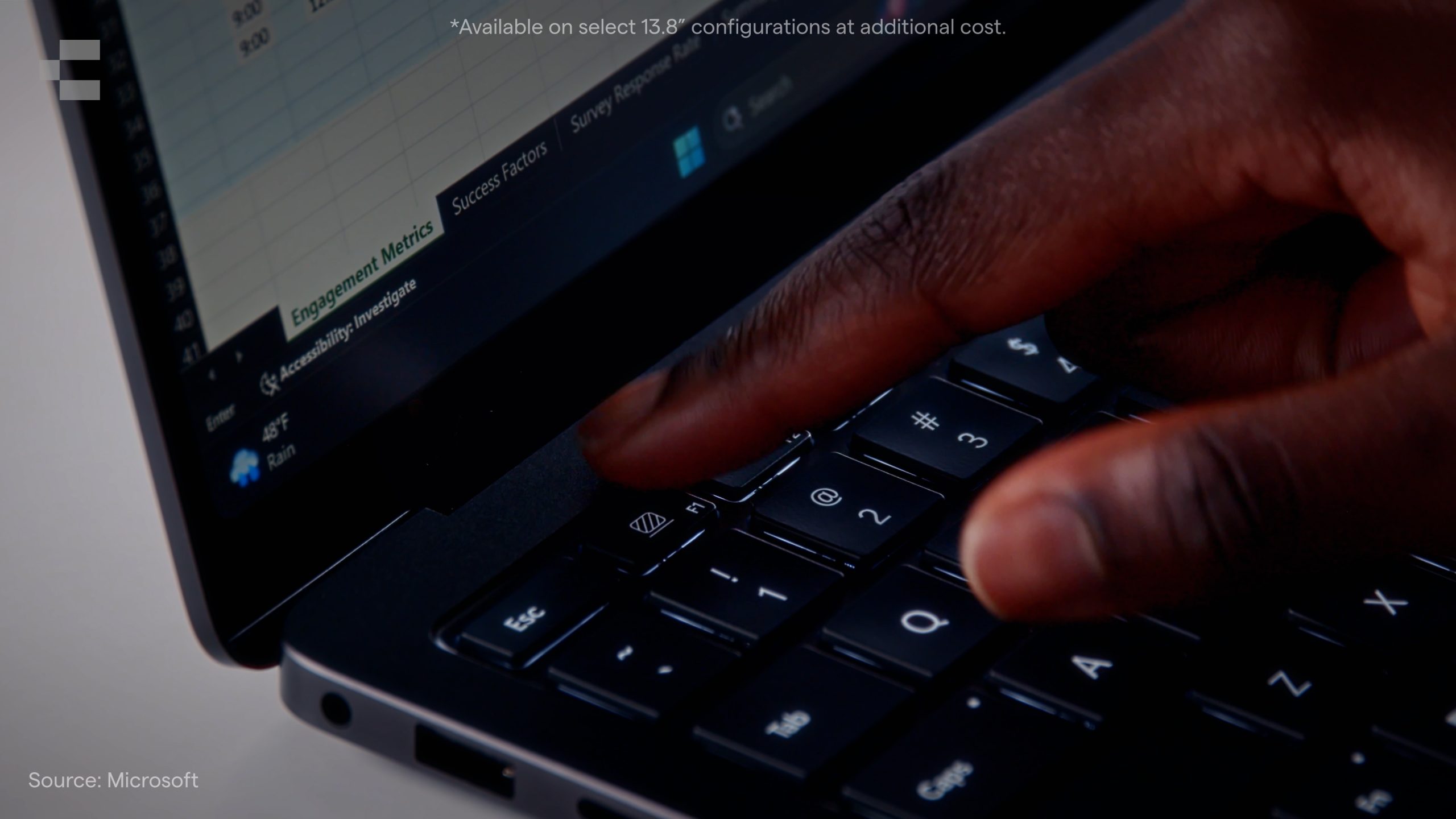
The standout feature of the new Surface Laptop for Business 13.8-inch is a privacy screen built directly into the display panel. This is not a film or filter applied on top of the screen. It is part of the display itself.
A single dedicated key activates it. From the front, the display looks and functions normally. From the side, the screen dims significantly, reducing on-screen visibility from angle-based sightlines.
For IT and device management teams, the more significant capability is remote control. The privacy screen can be enabled, disabled, or locked through software controls including remote management, allowing IT administrators to enforce privacy policies from the cloud across a device fleet. This means organisations can make privacy screen activation a default rather than a user preference, removing the human variable from the equation.
Performance built for AI-ready workplaces
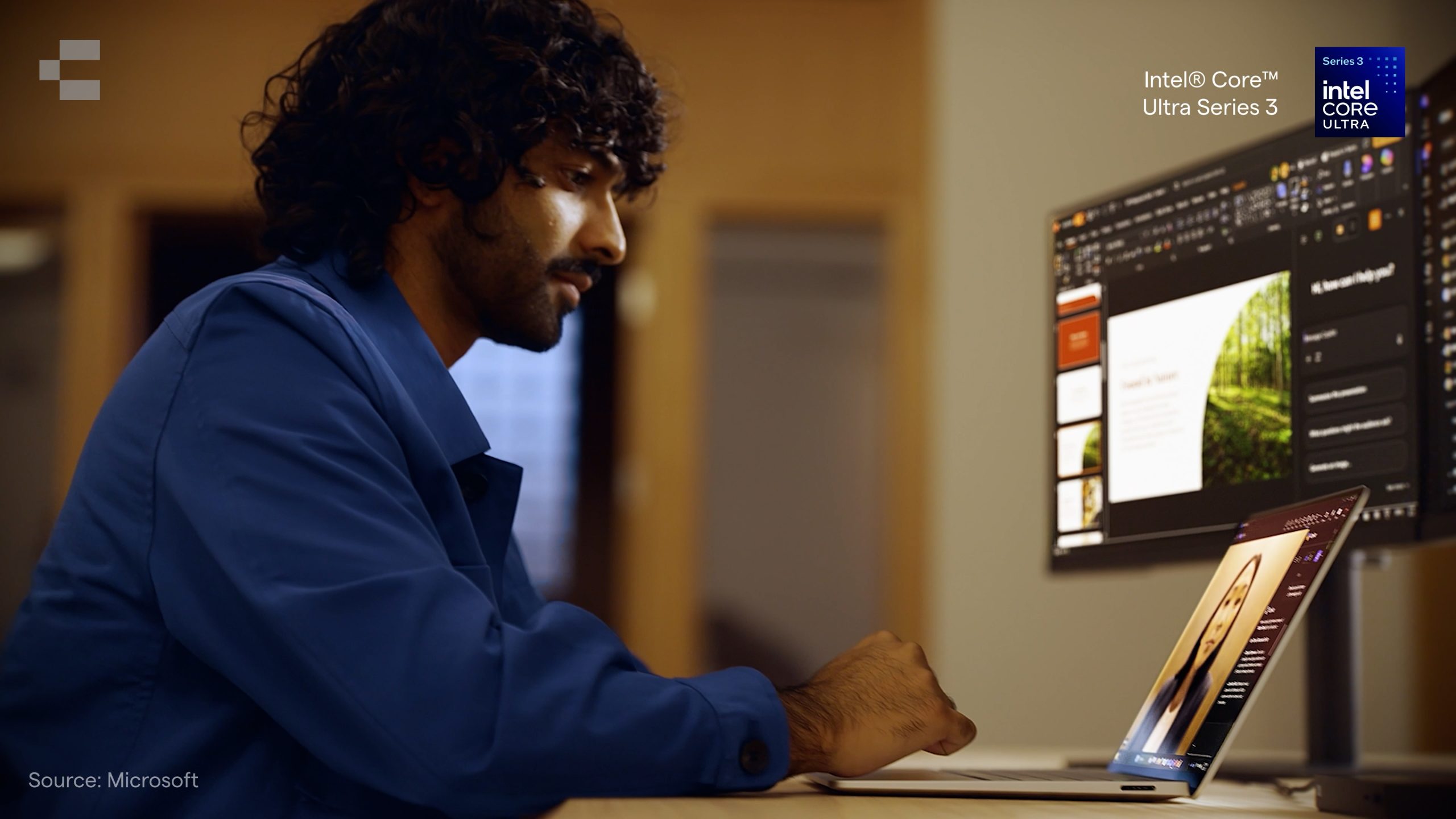
The Surface Laptop for Business 13.8-inch runs on the Intel® Core™ Ultra Series 3 processor, which includes a dedicated Neural Processing Unit delivering 50 TOPS of AI performance. This positions the device as a Copilot+ PC, ready for AI-assisted workflows as organisations begin rolling out tools that depend on on-device AI processing.
For day-to-day performance, the Intel® Core™ Ultra Series 3 handles the workloads corporate users run without compromise.
Display and connectivity
The device is available with two display options. The standard configuration features an anti-reflective PixelSense Flow touchscreen. The privacy screen configuration uses an anti-glare integrated display with the built-in privacy panel.
On connectivity, two USB-C ports with USB4 support connections to external displays, with capacity for up to three 4K monitors simultaneously. A MicroSDXC Express card reader is also built in to 15-inch models, removing the need for a dongle in most field and travel scenarios.
Battery life for full-day use
Battery life is rated up to 23 hours on the 15-inch model with local video playback. For a workforce that travels frequently or moves between meetings and locations throughout the day, this removes the need to carry a charger as a matter of routine.
The precision touchpad
The customisable precision touchpad includes haptic feedback, giving users tactile responses during interaction. For common tasks like moving objects in a presentation or navigating design files, the feedback provides a more intuitive experience than a standard trackpad surface.
Who this device suits
The Surface Laptop for Business 13.8-inch is a strong fit for organisations where:
Staff regularly work in shared, public, or open-plan environments
IT needs centrally managed device privacy controls
AI-assisted productivity tools are being rolled out or planned
Hybrid and mobile work is the norm rather than the exception
Talk to Compnow
Compnow works with organisations across Australia on device procurement, fleet management, and Microsoft Surface deployments. If you are assessing the Surface Laptop for Business 13.8-inch for your next refresh cycle, we can help you work through fit, configuration, and rollout.