One Device. Every Way Students Learn. Inside the Microsoft Surface Pro 13
The modern K-12 classroom is not a single environment. It is a science lab, a collaborative workspace, a presentation stage, and increasingly an anywhere students take their learning outside the building. The device a student carries needs to work across all of it without friction, without running out of battery, and without requiring a bag full of accessories to function.
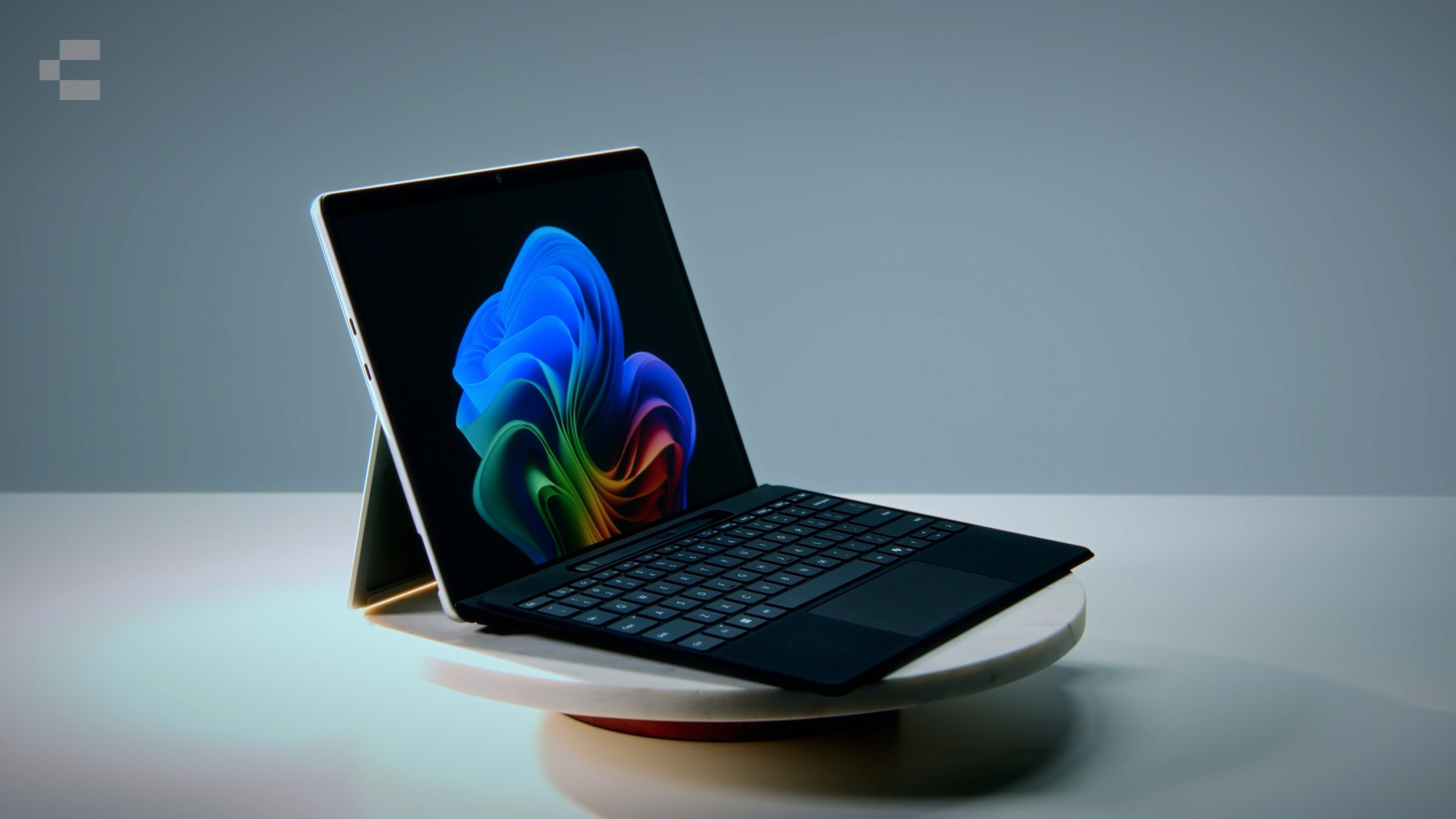
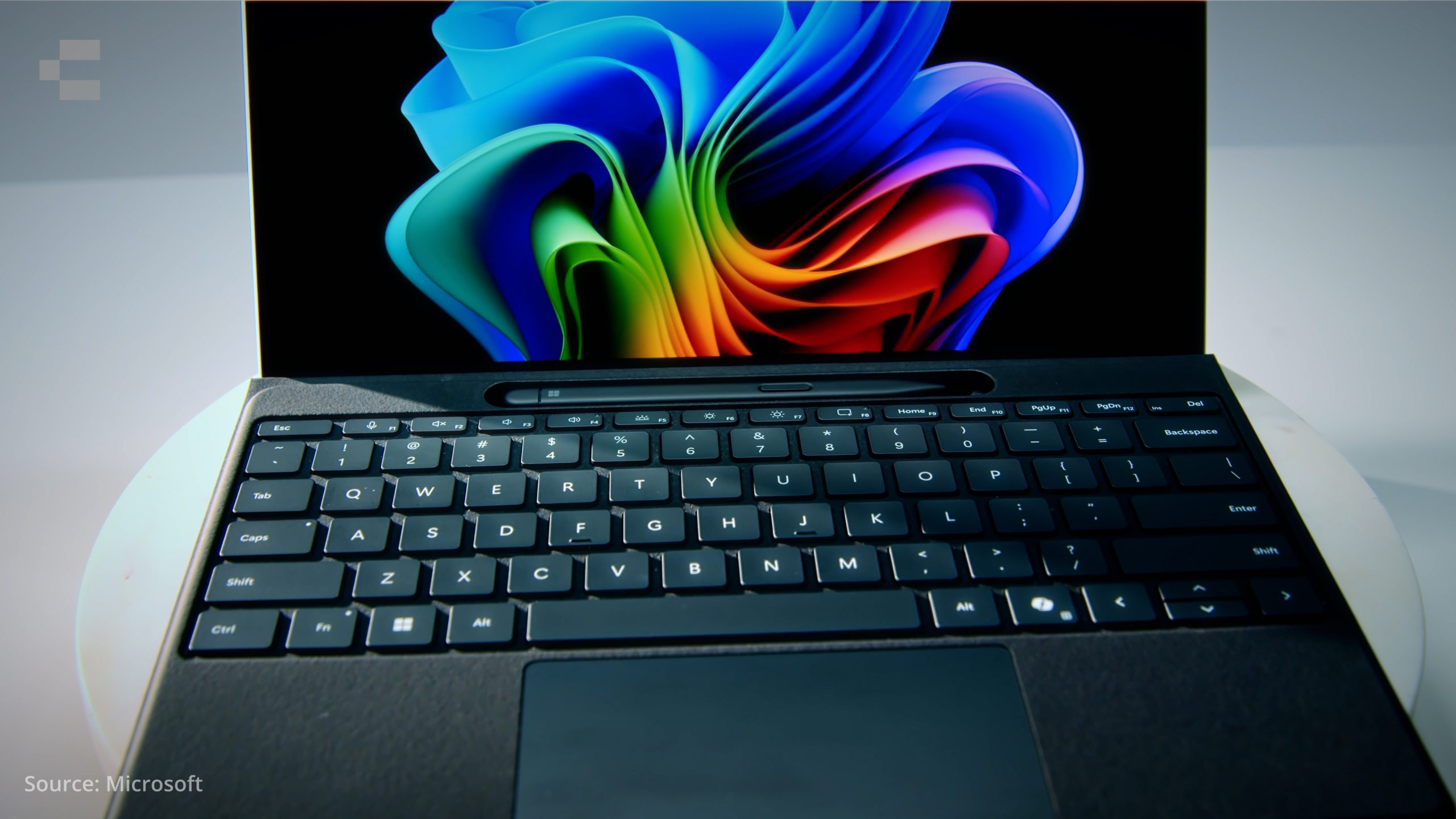
The Microsoft Surface Pro 13 is built around that reality. It is a full laptop when students need to type, a tablet when they need to write or sketch, and a connected device that travels with them whether they are in the classroom, on excursion, or working from home.
Touch and pen input that matches how students learn
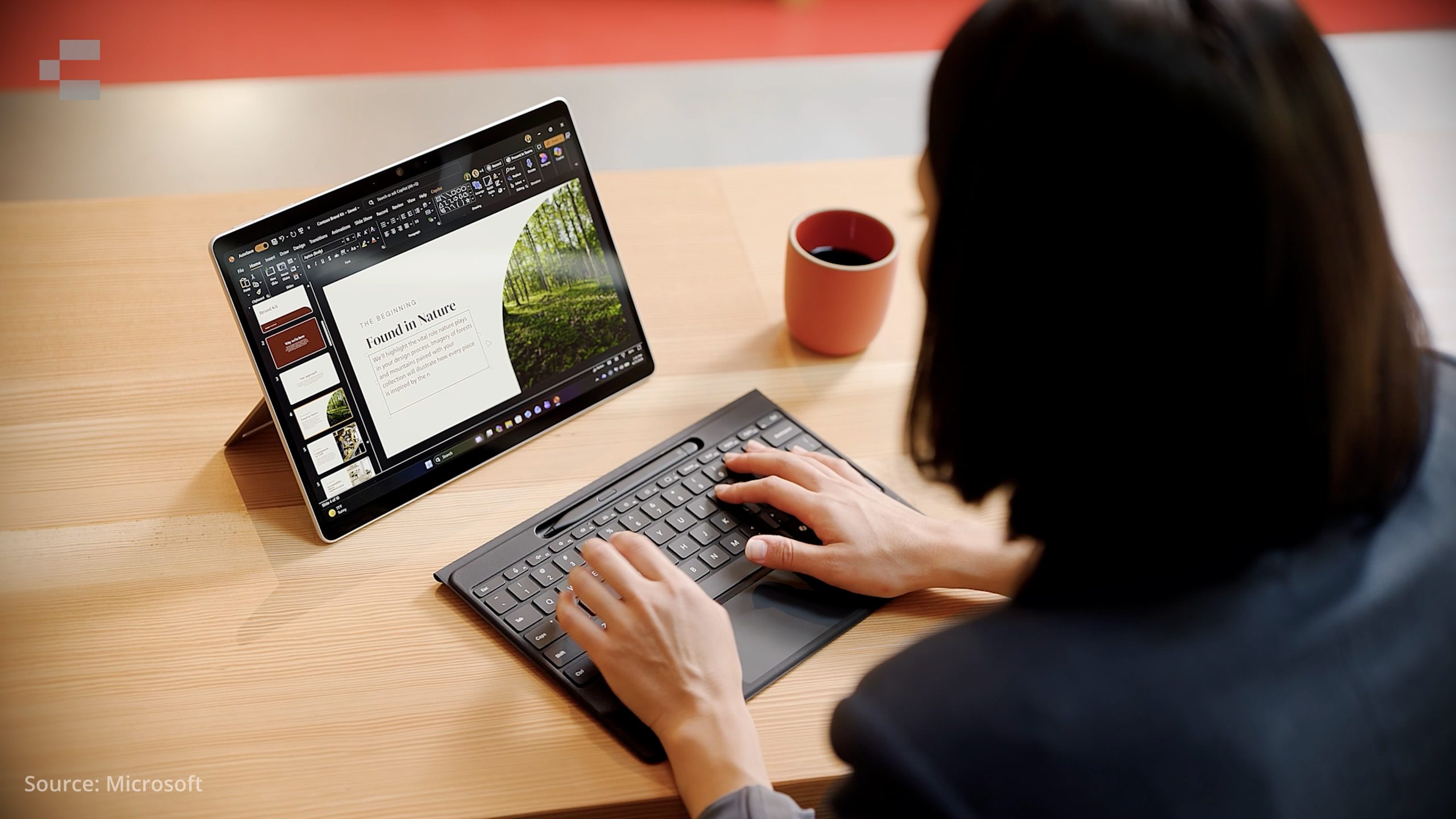
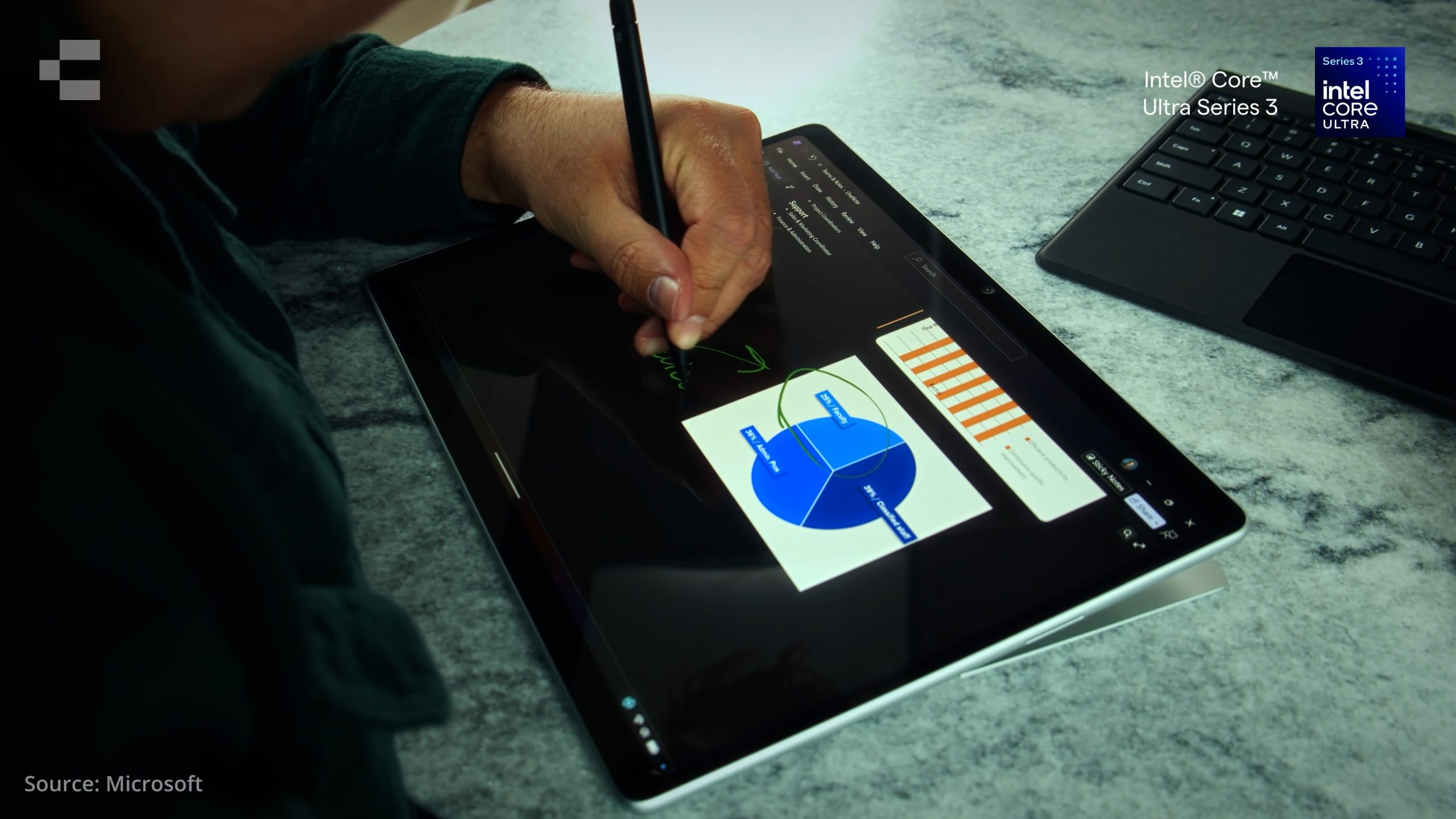
The Surface Pro 13 features the PixelSense Flow touchscreen, responsive to both touch and the Surface Pen. Students can annotate documents, sketch diagrams, take handwritten notes, and interact with content in ways that a keyboard and trackpad alone do not support.
For creative programs, STEM projects, and visual learners, this matters. The input method adapts to the task rather than requiring students to adapt to the device.
An optional OLED display is available for schools that want a sharper visual experience for media, design, or creative-focused programs.
Battery life that outlasts the school day
Battery life is rated up to 17 hours with local video playback. For a student moving through six or seven periods, carrying a device to and from home, and potentially completing work in the evening, this removes the charger from the equation for most days.
For IT teams managing a fleet, fewer charging requirements mean simpler logistics, less infrastructure pressure on classroom power points, and fewer support requests from students with flat devices mid-lesson.
The 10MP rear-facing camera
The Surface Pro 13 includes a 10MP Ultra HD rear-facing camera designed with classroom use in mind. Students can document experiments, capture project work, record presentations, and collaborate visually without needing a separate device.
For teachers, this also opens up options for assessment documentation, classroom recording, and hybrid learning scenarios where a second camera angle matters.
Optional 5G for connectivity beyond the classroom
Select Surface Pro 13 models include optional 5G. For schools that operate across multiple sites, run excursion programs, or need students connected outside of Wi-Fi coverage, this removes a significant dependency.
It also simplifies device management for IT teams, reducing the need to configure and troubleshoot external hotspots or rely on students using personal mobile data.
AI-ready performance with Intel® Core™ Ultra Series 3
The Surface Pro 13 runs on the Intel® Core™ Ultra Series 3 processor with a dedicated Neural Processing Unit delivering 50 TOPS of AI performance. This makes the device a Copilot+ PC, positioned for AI-assisted tools as schools begin integrating them into curriculum delivery and student workflows.
For procurement teams planning a multi-year device lifecycle, this is a meaningful consideration. Devices that are AI-ready now are better placed to support where education technology is heading.
Connectivity
Two USB-C ports with USB4 support connections to external displays, with capacity for up to three 4K monitors. For classroom presentation setups, learning hubs, or teacher workstations, this removes the need for additional adapters in most scenarios.
Who this device suits
The Microsoft Surface Pro 13 is a strong fit for schools where:
Students move between different learning environments throughout the day
Touch and pen input are part of the curriculum or learning approach
Connectivity beyond the school network is a requirement
IT teams are planning ahead for AI-integrated learning tools
Device longevity and AI readiness are procurement priorities
Talk to Compnow
Compnow works with schools and education departments across Australia on device procurement, fleet management, and Microsoft Surface deployments. If you are assessing the Surface Pro 13 for your next student device refresh, we can help you work through configuration, quantity, and rollout.