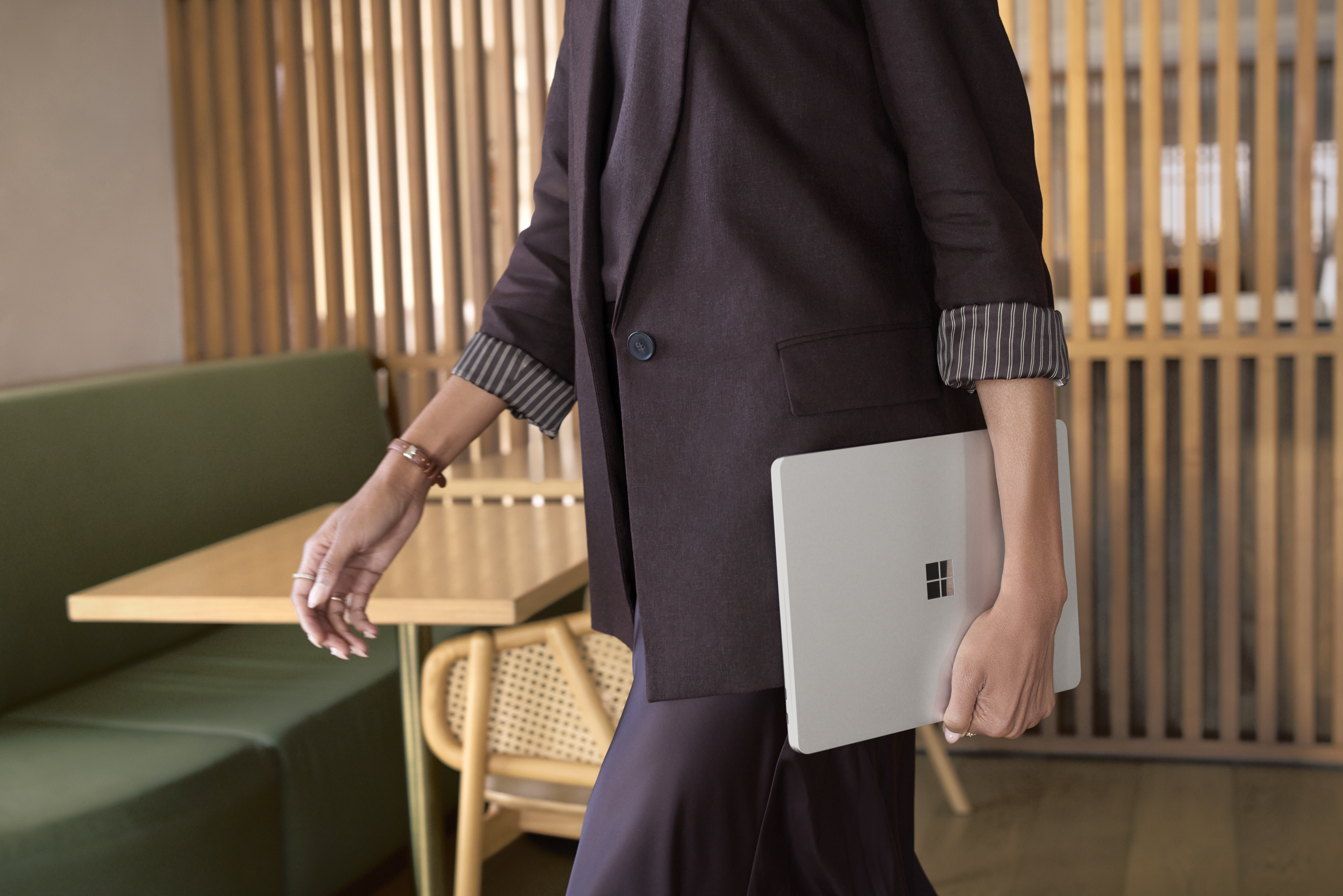
Surface Pro 12-inch and Surface Laptop 13-inch with Snapdragon X2 Plus: more performance in the same lightweight design
Microsoft has announced the next Surface Pro 12-inch and Surface Laptop 13-inch, both built on the Snapdragon X2 Plus processor, along with a new Surface Mouse with integrated haptic feedback. Both devices become available through Surface for Business from 13 October.
For organisations running fleet refreshes, or universities equipping professional and academic staff, these are the two most portable devices in the Surface for Business line-up. They keep the same thin, light, fanless design as the previous generation and add meaningful gains where mobile users feel them: battery, graphics and on-device AI.

What is actually new
Compared with the first-edition devices running Snapdragon X Plus, Microsoft reports:
- Up to 17% faster performance in Office productivity workloads
- Up to 18% more efficient battery performance
- More than 60% faster graphics performance
- Up to 95% faster local AI inferencing on the NPU
- A 25% brighter, 500-nit PixelSense touchscreen across both devices
Benchmark numbers are useful for procurement comparisons, but the practical measure is what happens six hours into a working day with twenty tabs open, a Teams call running and a file syncing in the background. That is the scenario both devices are tuned for.
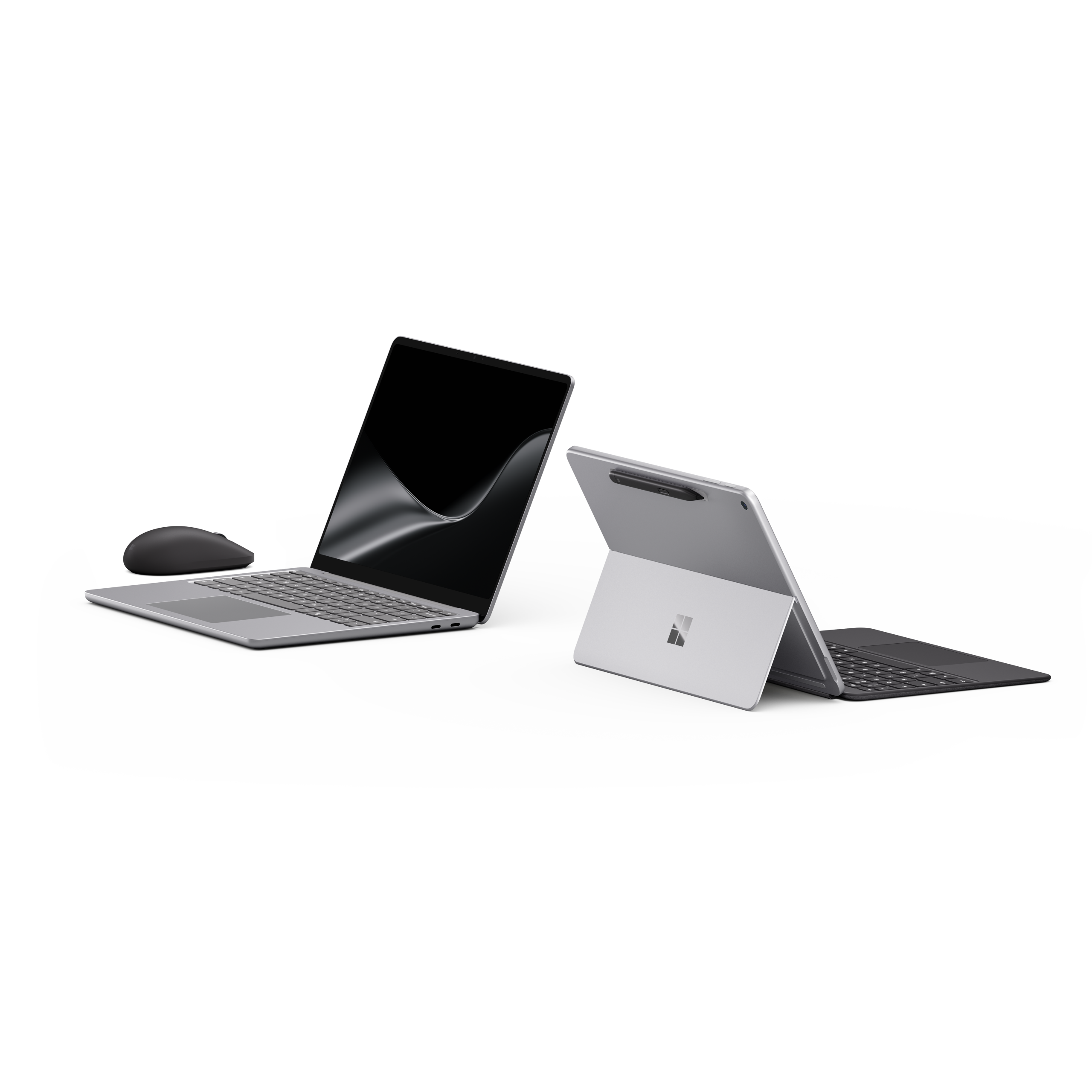
Surface Pro 12-inch
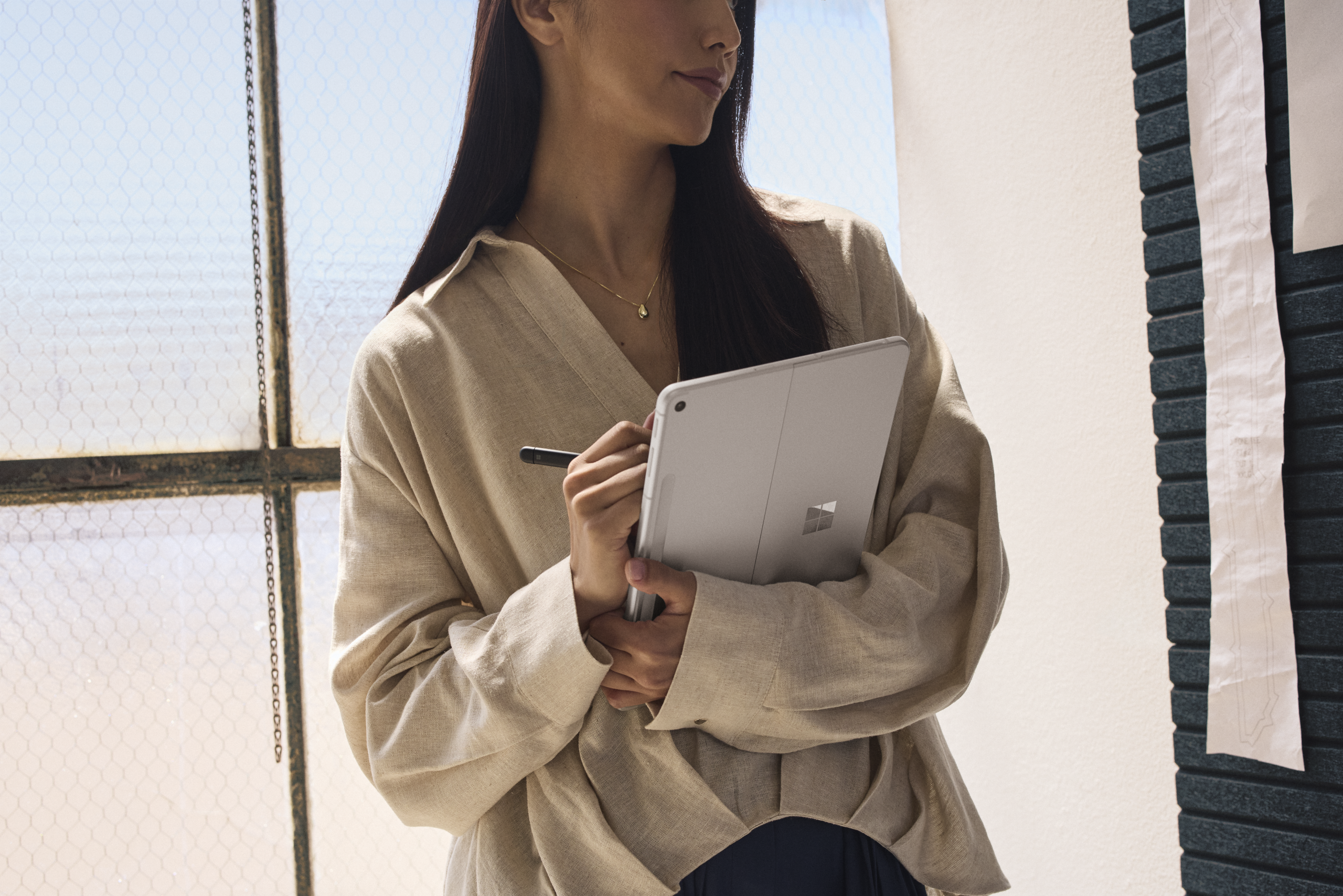
Surface Pro 12-inch remains the most portable and versatile Surface Pro. It moves between tablet and laptop as the day changes, attaches to the Surface Pro 12-inch Keyboard for typing and coding, and stores the Surface Slim Pen magnetically for inking. Slim Pen and keyboard are sold separately.
With Snapdragon X2 Plus, the device adds roughly an extra hour of active web browsing and handles everyday tasks such as summarising notes, editing images and annotating documents more responsively. The enclosure is made with 86% recycled content.
Surface Pro 12-inch also introduces Microsoft Ink Canvas, a pen-first AI experience for sketching, annotating, generating images and summarising text directly on the canvas. Ink Canvas comes pre-installed on the new Pro 12-inch and becomes available to download from the Microsoft Store on other supported Surface and Windows devices from 13 October.
For mobile teams, the more significant commercial addition is the optional 5G configuration. Field staff, executives and campus-based roaming users stay connected without depending on public Wi-Fi, which removes a common support burden and a real security exposure.
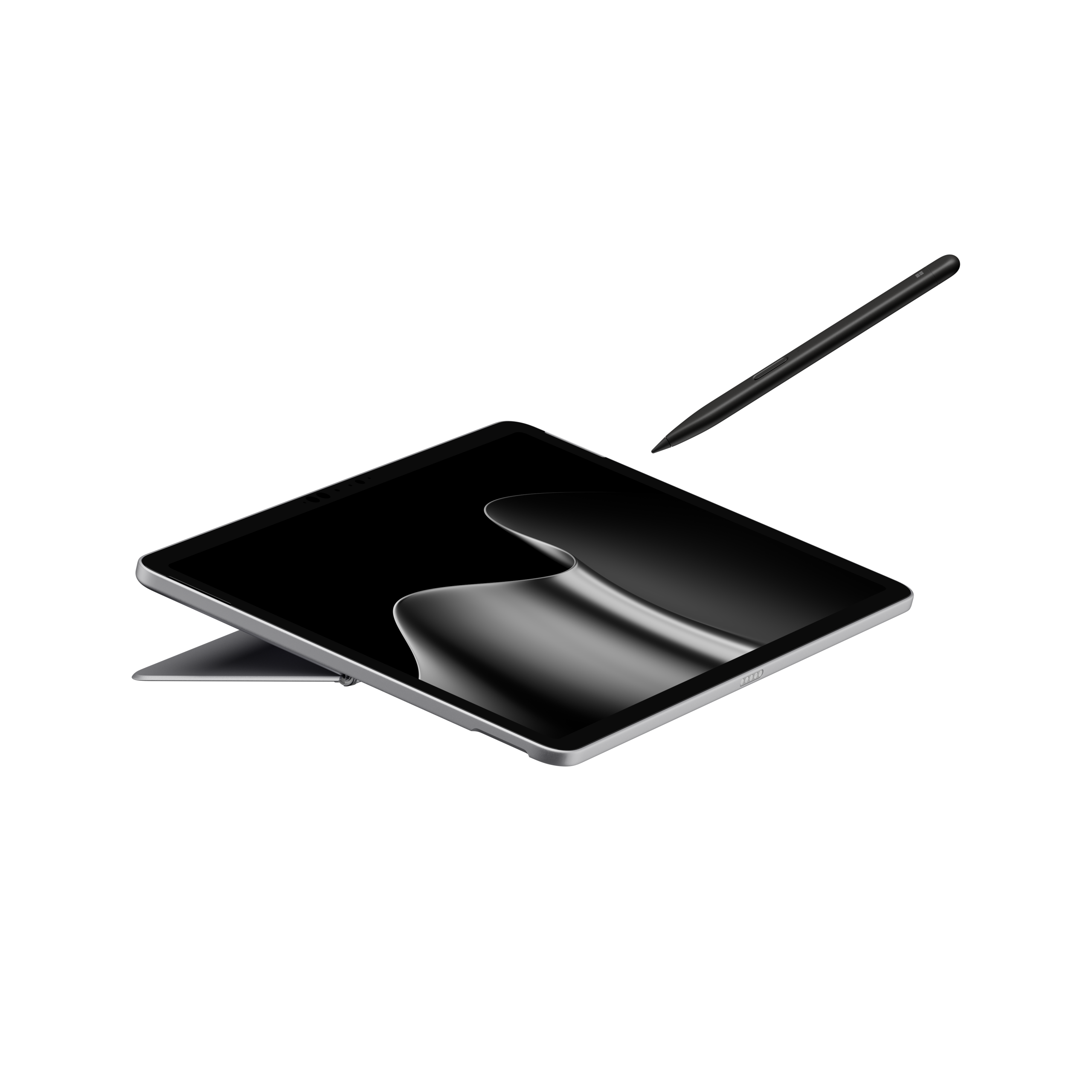
Surface Laptop 13-inch
Surface Laptop 13-inch is the traditional clamshell refined for people who carry a device every day: full-size backlit keyboard, precision touchpad, premium aluminium body and a taller 3:2 PixelSense touchscreen. Microsoft rates it at 22.5 hours of battery life for local video playback.
For higher education staff, this is the natural standard-issue device. It moves comfortably from office to lecture theatre to home without a charger, and the 3:2 display suits long documents, marking and research work better than a standard widescreen panel.
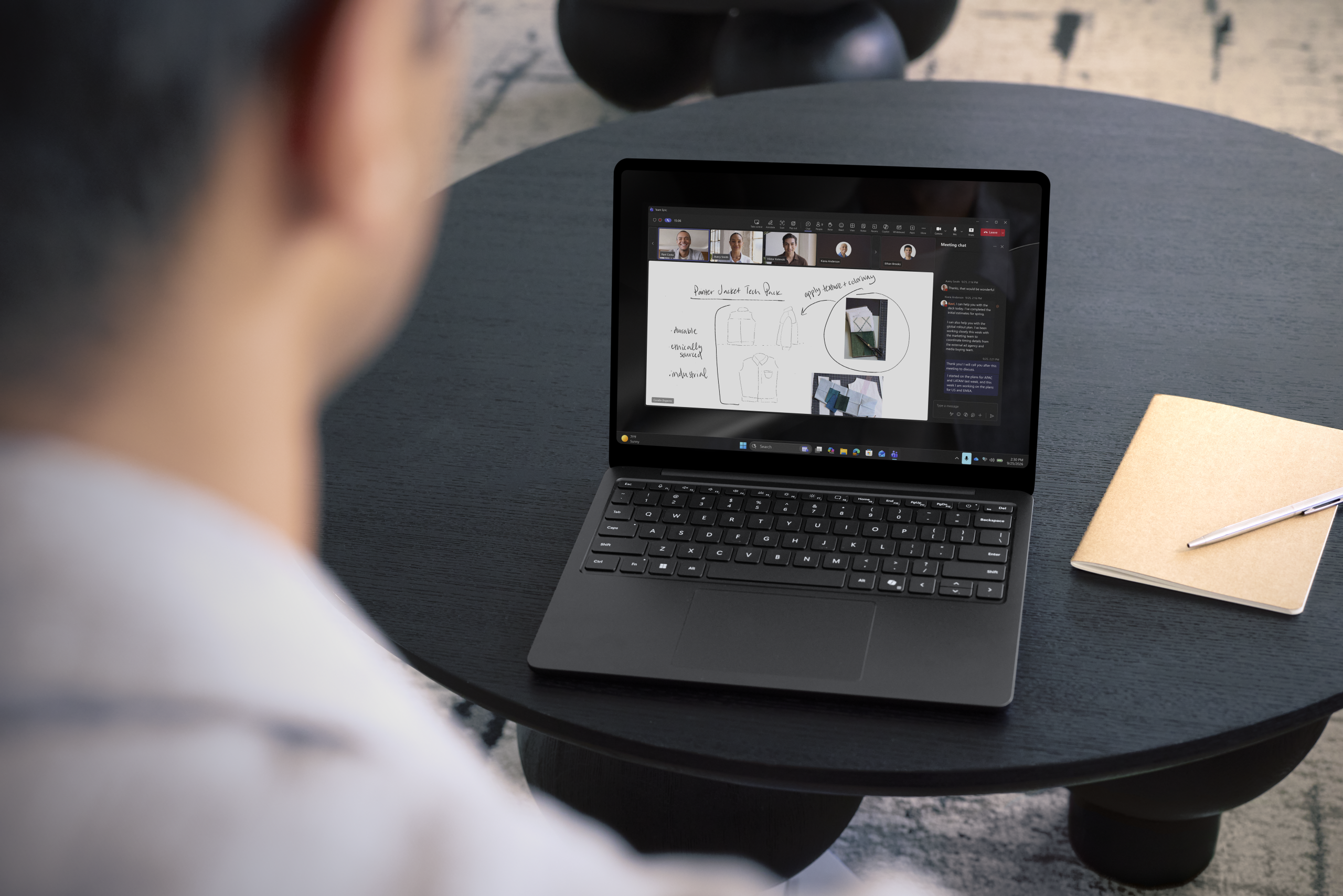
Security and manageability for IT teams
Both devices ship with Microsoft-designed protections built in from chip to cloud, including Secured-core PC safeguards, Microsoft Pluton with TPM 2.0, and Surface UEFI built with Secure Patina Core and Project Mu open-source components.
Surface Tools for Business supports the full device lifecycle:
| Tool |
Purpose |
| Surface Management Portal |
Fleet visibility and device health |
| Surface Support Portal |
Service requests and case tracking |
| Surface IT Toolkit |
Deployment, imaging and configuration |
| Surface Repair Tool |
Guided diagnostics and recovery |
These matter because Surface for Business devices ship with Windows 11 Pro, full Microsoft Entra ID and Intune compatibility, standardised driver packs and supported imaging processes. Retail Surface devices do not include those capabilities, which is where the total cost of ownership gap opens up across a fleet.
Where Compnow fits
Compnow is a Microsoft Surface Platinum Partner and has been named Surface Education Reseller of the Year. Our team handles the work that sits either side of the hardware:
- Fleet assessment and refresh planning, including Windows 10 end-of-support migration
- Configuration, imaging and zero-touch deployment at scale through Intune and Autopilot
- Asset tagging, staging and rollout logistics across multiple campuses or sites
Warranty, Advanced Exchange and accidental damage cover options
- Compnow Academy enablement for staff, covering Windows 11, Copilot, OneNote and inking with Surface
- Trade-in and asset disposal through our ITAD practice
Next steps
Choose Surface Pro 12-inch if you need one device that works as both tablet and laptop, with pen-first flexibility and optional 5G for staff who work away from the network.
Choose Surface Laptop 13-inch if you need a thin, light touchscreen laptop with a full-size keyboard built for long days and long documents.
Both devices are available to order through Compnow from 13 October. Contact your Compnow account manager, email [email protected] or call 1300 COMPNOW to arrange a demonstration unit or to discuss a refresh plan for your organisation.